h1: How to Set Up Your IPhone
h2: Introduction: How to Set Up Your IPhone,Step 1: Turn on Your IPhone,Step 2: If You Have Another IPhone on IOS 11 or Later, Use Quick Start,Step 3: Activate Your IPhone,Step 4: Set Up Face ID or Touch ID,Step 5: Restore or Transfer Your Information and Data,Step 6: Sign in With Your Apple ID,Step 7: Turn on Automatic Updates on Your IPhone,Step 8: Set Up Siri and Other Services,Step 9: Set Up Screen Time and More Display Options
nav_tags:
content:
Your iPhone Setup Guide
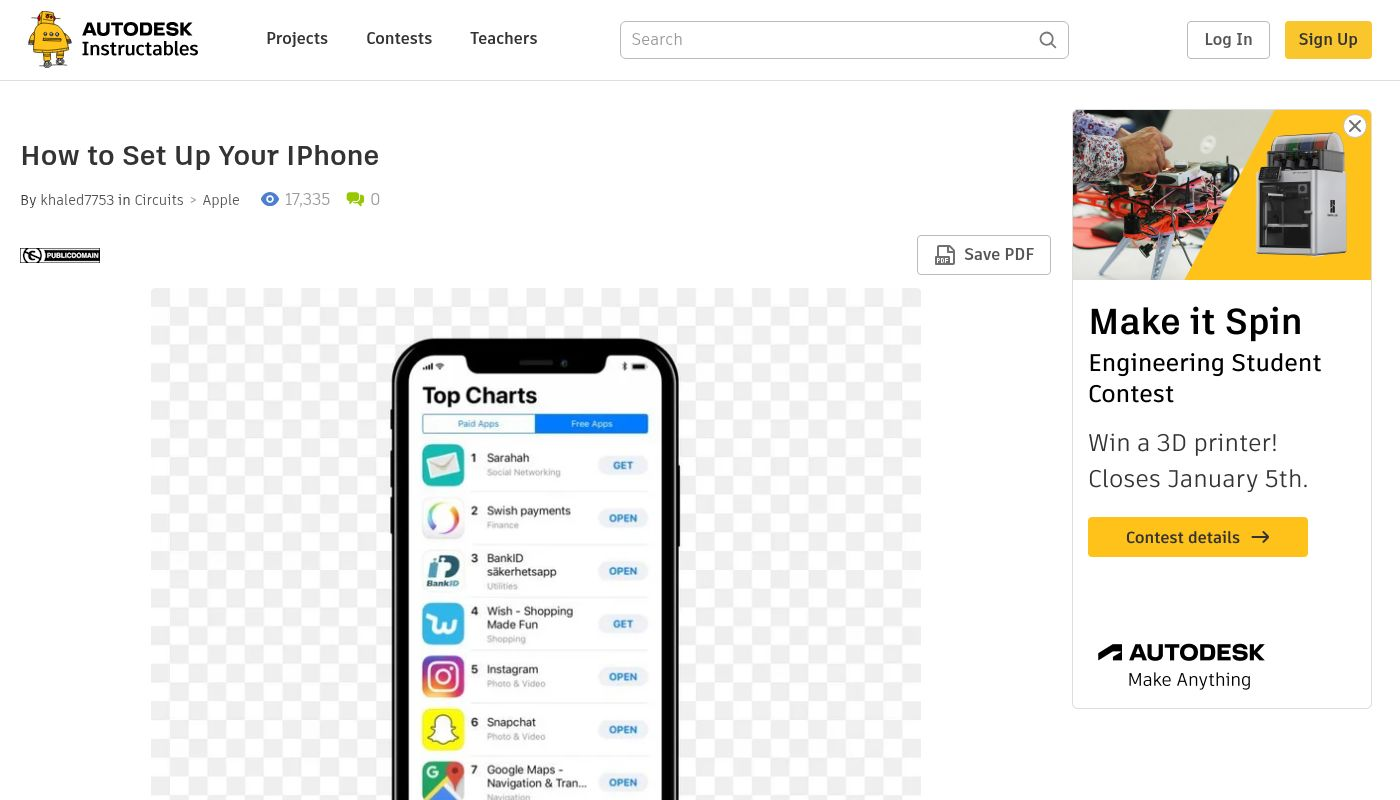
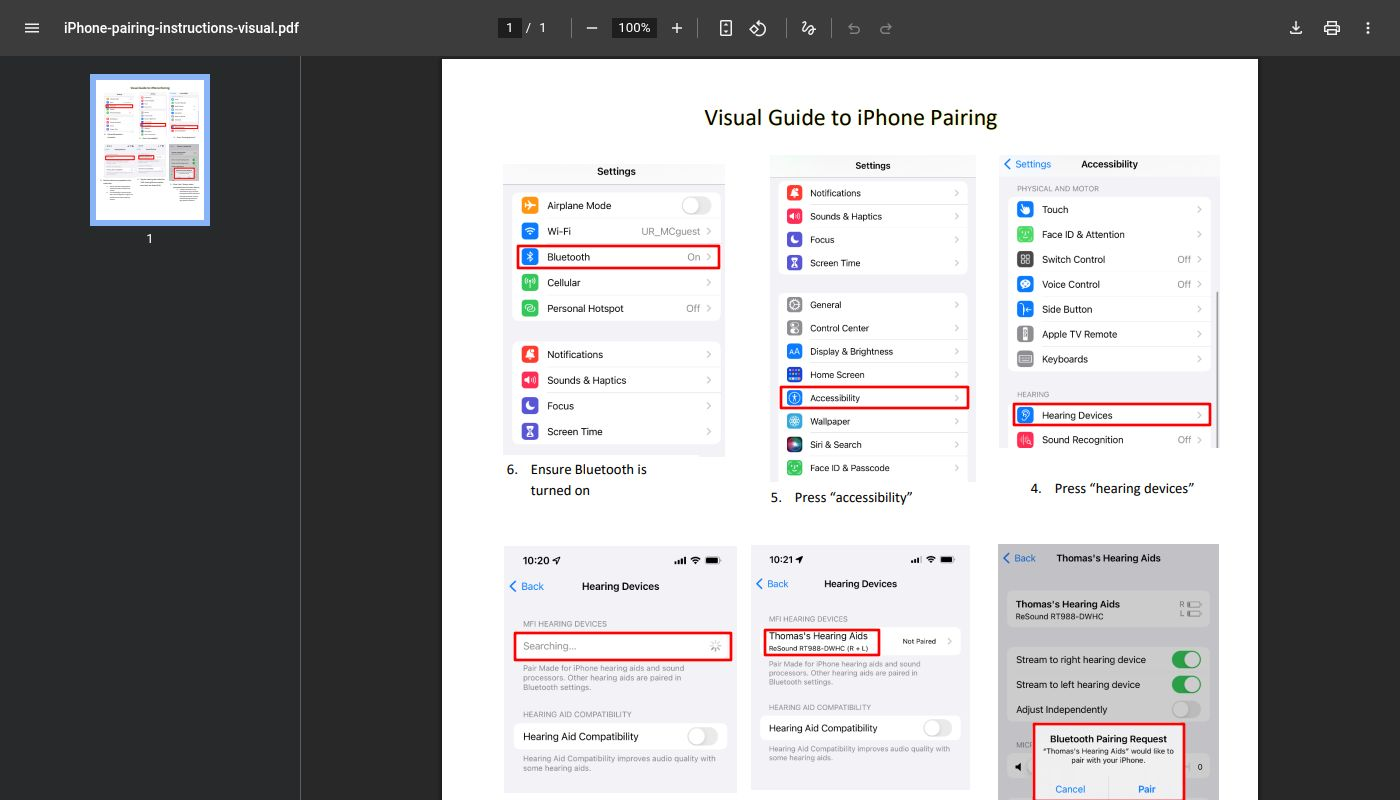
This Instructables page is a super helpful, step-by-step guide for anyone unboxing a new iPhone. It breaks down the initial setup process into simple, manageable chunks, making it easy for beginners to get their phone ready without any stress.
The page walks you through everything from inserting the SIM card and charging the phone to connecting to Wi-Fi, creating an Apple ID, and adjusting essential settings. It even covers restoring from a backup and installing your first apps.