h1: 10 iPhone Photography Tips for Professional Pics!
h2: Tip #1 – Take Photos Using Your Volume Button,Tip #2 – Use the Camera Grid Setting for Better Shots,Tip #3 – Forget Using Flash and Find Your Lighting,Tip #4 – Find the Best iPhone Photo Editing Apps,Tip #5 – Experiment with Portrait Mode,Tip #6 – Try Burst Mode,Tip #7 – Master the focus function using AE/AF lock,Tip #8 – Test the HDR Auto Setting for Better Exposure,Tip #9 – Use the Timer Function,Tip #10 – Purchase Accessories,Start Scheduling Your New and Improved Instagram Posts,Pin It For Later :,Related Posts,Latest Post
nav_tags: Pinterest,Instagram,Facebook,Marketing,ECommerce,Branding,Email,Tailwind Updates
content:
Your iPhone is a Pro Camera
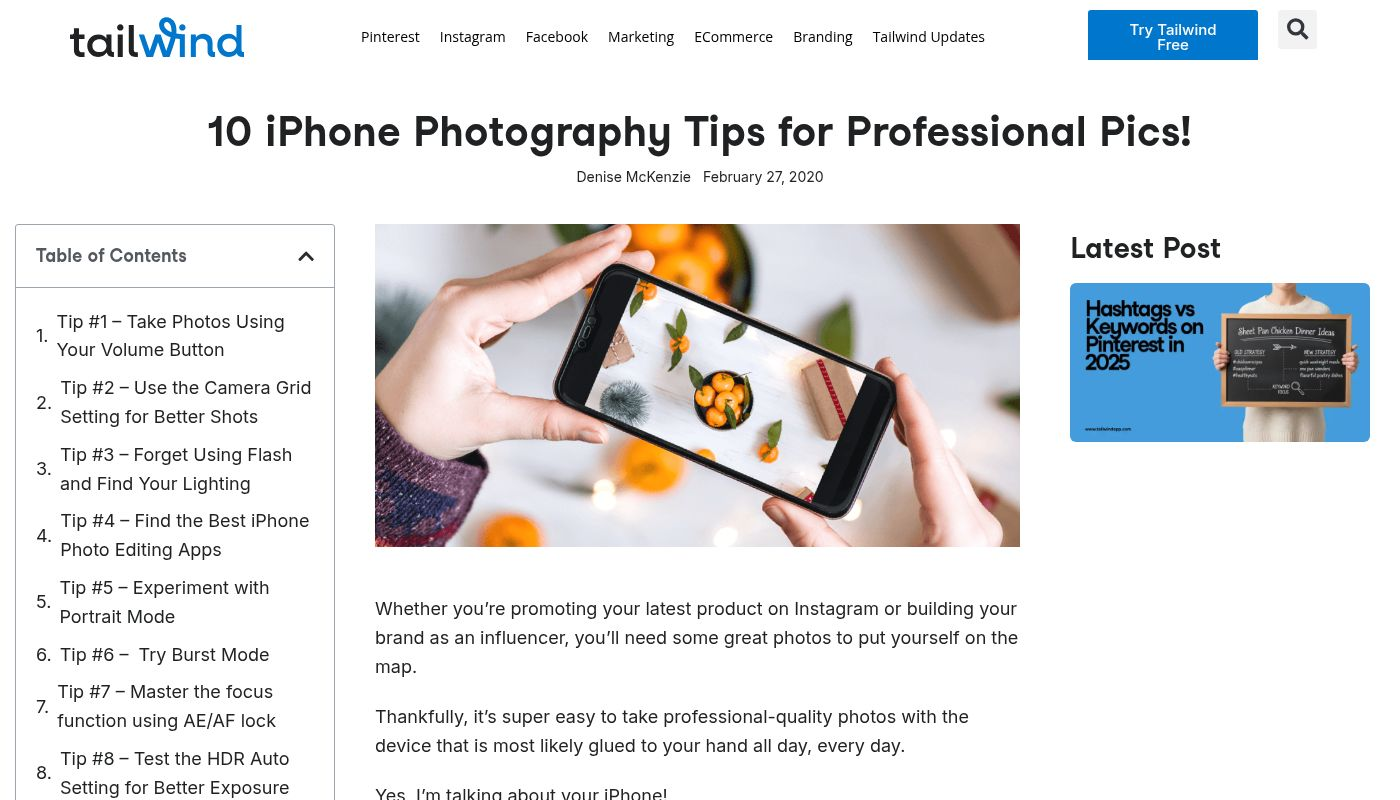
This is a super helpful blog post from Tailwind that dives into making the most of your iPhone's camera. It's all about simple tricks to level up your mobile photography game, no fancy gear required.
You'll find a bunch of practical tips, like using grid lines for better composition, mastering portrait mode, and clever ways to use natural light. It even covers editing your shots right on your phone to make them pop.